
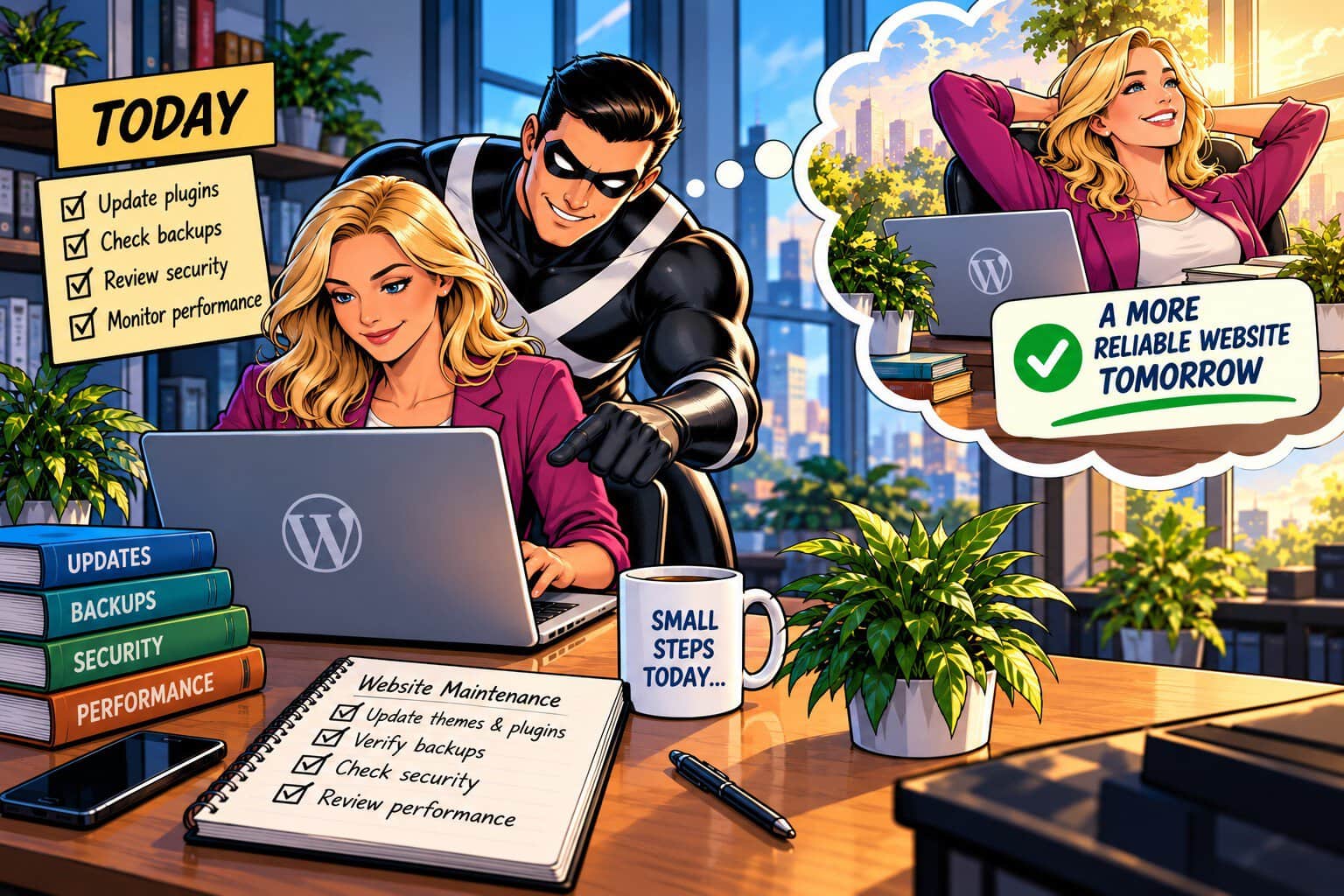
“I’ll take care of that later.”
It’s an easy decision to make when a WordPress maintenance task is waiting, an old plugin is still installed, or a backup hasn’t been checked lately. Nothing is broken, so there’s no obvious reason to stop what you’re doing and deal with it today.
The problem is that website problems rarely become serious all at once. Small issues can sit quietly in the background, becoming harder to diagnose, more disruptive to fix, and more expensive to recover from.
That’s why good WordPress maintenance is about more than fixing what’s broken. It’s about addressing the things that could become problems while they’re still manageable.
Your future self will be glad you did.
Today — What You Put Off Doesn’t Stay Small
Maintenance tasks are easy to postpone because they don’t produce an immediate payoff. Updating a plugin doesn’t generate a lead. Checking a backup doesn’t add a new feature. Reviewing old code doesn’t change what visitors see.
But postponing routine maintenance allows small issues to accumulate.
An outdated plugin can eventually create a security vulnerability or compatibility problem. An unverified backup may not be usable when you actually need it. A gradual performance problem can go unnoticed until visitors begin experiencing slow page loads.
Proactive WordPress maintenance changes that pattern. Instead of waiting for a problem to force a response, you regularly look for conditions that could cause trouble later.
That means keeping WordPress, themes, and plugins current; checking for security vulnerabilities; verifying backups; monitoring performance; and addressing technical debt before outdated code, conflicting plugins, or unnecessary resources make future maintenance more difficult.
None of these tasks is particularly dramatic.
That’s the point.
Preventive work is often most valuable when it keeps something dramatic from happening at all.
Tomorrow — Small Maintenance Prevents Bigger Problems
A reliable WordPress maintenance strategy isn’t simply a list of tasks to complete and forget. The goal is to reduce the number of surprises your team has to deal with later.
Consider an update that’s been postponed for months. When a plugin eventually stops working correctly, someone now has to determine whether the problem comes from the plugin, WordPress core, the theme, or another integration. A routine maintenance task has become a troubleshooting project.
Regular maintenance makes those problems easier to identify and address while the environment is still familiar.
The same principle applies to backups and security. A backup that exists but has never been verified provides less confidence than one that has been tested. A vulnerability identified early gives you more options than discovering it after an incident.
And maintenance isn’t finished just because the task was performed. Updates should be checked for compatibility, backups verified, security findings reviewed, and performance monitored for changes.
That verification is what turns routine maintenance into a preventive strategy.
Your Future Self Will Thank You!
You can’t predict every problem a WordPress website will encounter six months from now. Hosting conditions can change, plugins can be updated, business requirements can evolve, and new vulnerabilities can emerge.
What you can control is whether today’s website is being maintained with tomorrow in mind.
Regular WordPress maintenance gives you a better starting point when something unexpected does happen. Current software is easier to support. Known issues are easier to track. Verified backups provide a recovery path. Ongoing monitoring gives you a better chance of noticing changes before they affect visitors.
Most importantly, proactive maintenance reduces the time your team has to spend reacting to avoidable problems.
Your website supports important work—generating leads, accepting donations, providing information, or serving the people who depend on your organization. Keeping it reliable isn’t about eliminating every possible problem.
It’s about making smart decisions today that give you fewer problems to solve tomorrow.
Your future self will thank you.
If your organization needs a WordPress maintenance partner who can help identify risks, verify the work, and keep your website reliable over time, explore User X Hero Support for proactive maintenance, security, and performance support.