
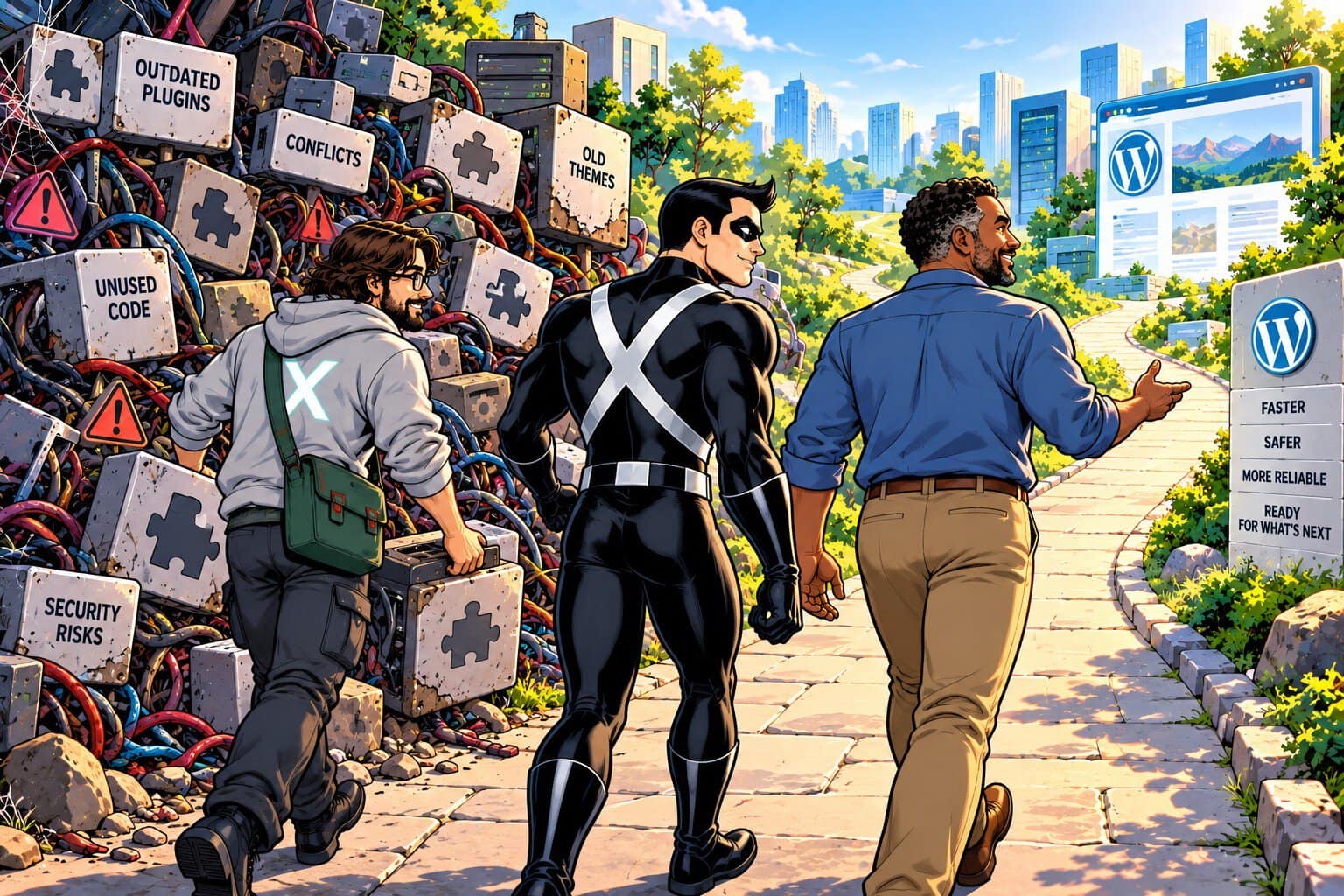
Your WordPress site doesn’t have to be broken to have technical debt. In fact, that’s what makes it so easy to overlook.
Maybe an update gets postponed because you’re worried it could break something. An old plugin is still installed because no one has had time to determine whether it’s needed. A custom fix from years ago still works, so there’s no reason to touch it. Each decision may seem harmless. Over time, though, these unfinished tasks can make your website harder to maintain, update, and troubleshoot.
Technical debt becomes a business problem when it starts affecting reliability, security, performance, or the time your team spends dealing with recurring issues. Reducing that debt can clear the path to a more reliable website—and make it easier to keep moving forward.
Not sure whether your WordPress site has technical debt? Get a free site evaluation to see what may need attention.
What Does WordPress Technical Debt Look Like?
Technical debt can accumulate through:
- Outdated WordPress core, themes, or plugins
- Unused or conflicting plugins
- Temporary fixes that become permanent
- Custom code that is difficult to maintain
- Compatibility problems between site components
- Updates that are repeatedly postponed
Some warning signs are obvious, such as error messages or plugin conflicts. Others are more subtle, including longer maintenance windows, unexplained performance problems, or a site that becomes increasingly difficult to update safely.
4 Steps to Reduce WordPress Technical Debt
1. Find where the debt has accumulated
Start with a review of your WordPress environment. Look at core, themes, plugins, custom code, integrations, and known compatibility issues. The goal is to understand what is actually running and where problems may be developing.
2. Prioritize what needs attention
Not every outdated component represents the same level of risk. Identify issues that could affect security, site functionality, performance, or future updates, and address the most important ones first.
3. Clean up and stabilize the site
Remove components that are no longer needed, resolve conflicts, update software carefully, and replace problematic plugins or themes when appropriate. Custom code may also need to be refactored when it has become difficult to maintain.
4. Keep new debt from building
Technical debt is not a one-time cleanup project. Regular updates, compatibility checks, performance monitoring, and periodic reviews help prevent small maintenance issues from accumulating again.
Protecting Business Continuity
A well-maintained WordPress site is easier to update, troubleshoot, and keep available when your organization needs it. That matters when your website supports leads, customers, donations, communications, or other essential business functions.
The goal isn’t to eliminate every piece of technical debt overnight. It’s to understand what you have, address the risks that matter most, and establish a maintenance process that keeps the backlog from growing.
If your WordPress site has accumulated years of updates, workarounds, and unused components, an experienced technical review can help you determine what needs attention and what can safely wait.
Need Help Assessing Your WordPress Site?
If you’re not sure how much technical debt has accumulated on your site, User X can help you identify what needs attention and determine where to start. Learn about User X Hero Support.